Project
Playbook Travel
Cruise booking is notoriously complex. It's a mountain of information across ships, itineraries, ports and pricing. The challenge was presenting that complexity in a way that felt approachable, without stripping away the depth that users actually need.
Marketing Website
When I joined Playbook, my first task was designing and building the company's marketing website from the ground up. Working in Squarespace with custom code, I established the visual identity and brand language that would carry through into the broader platform design. That foundation informed everything that followed.
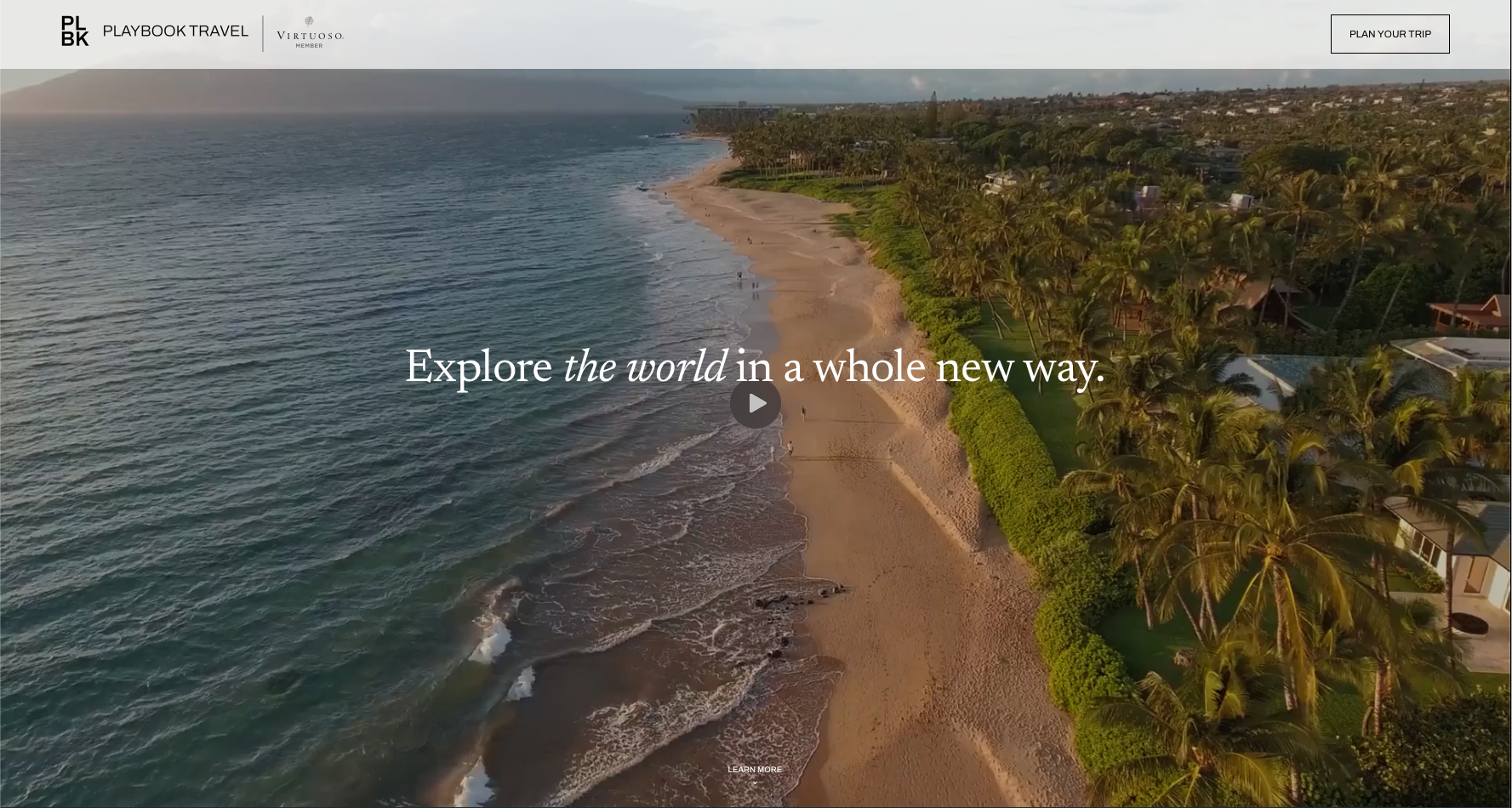
Click to visit plbk.com ↗
Sketches → Figma
Before anything went into Figma, I worked through several rounds of thumbnail sketches with my manager. We talked through navigation structure, how to surface information without overwhelming users, and where cruise booking sites were falling short. The sketches went through multiple iterations — the deck plan selector, the stateroom card layout, and the overall page navigation all changed shape before I touched a design tool.
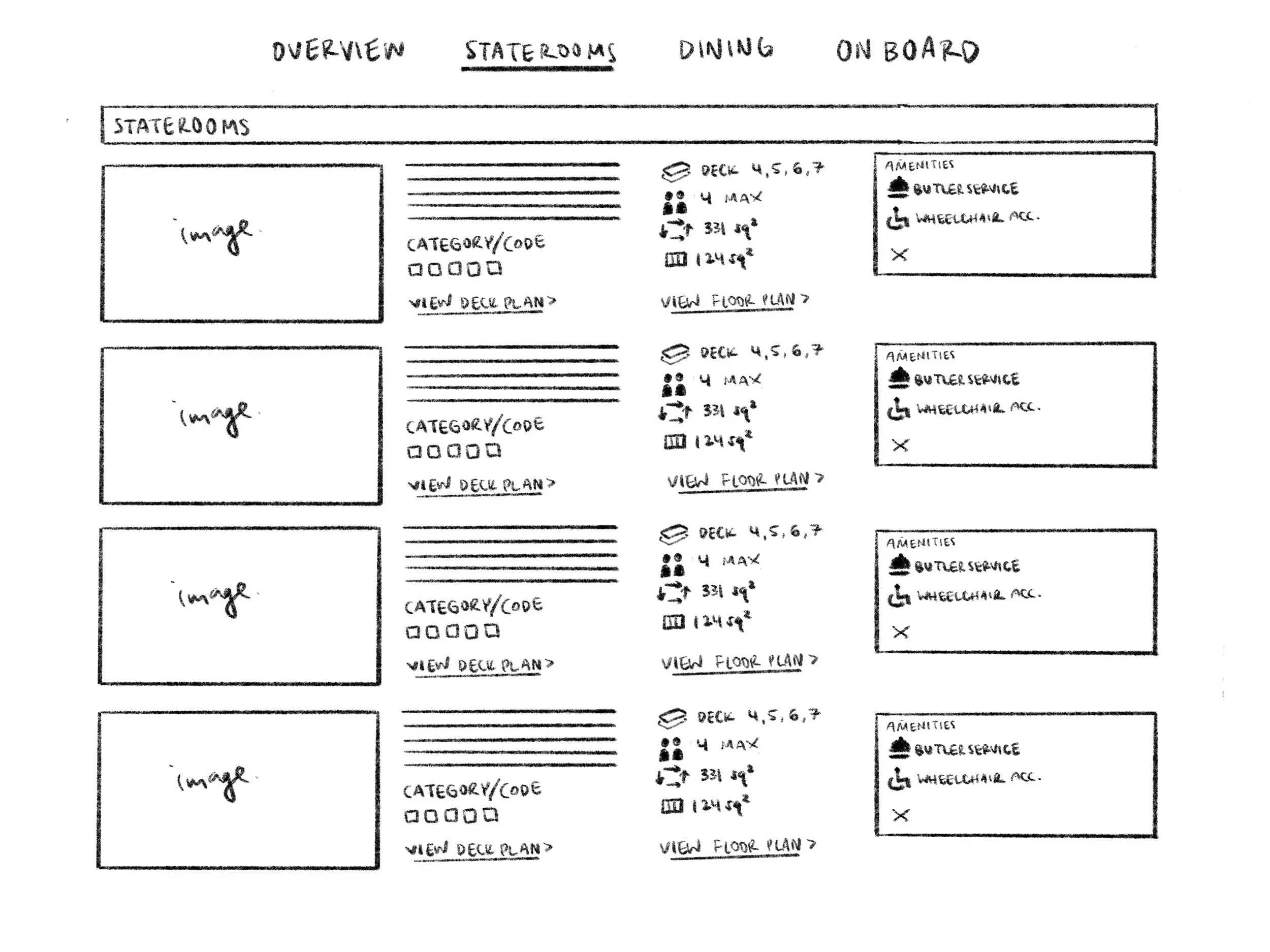
Staterooms — early thumbnail
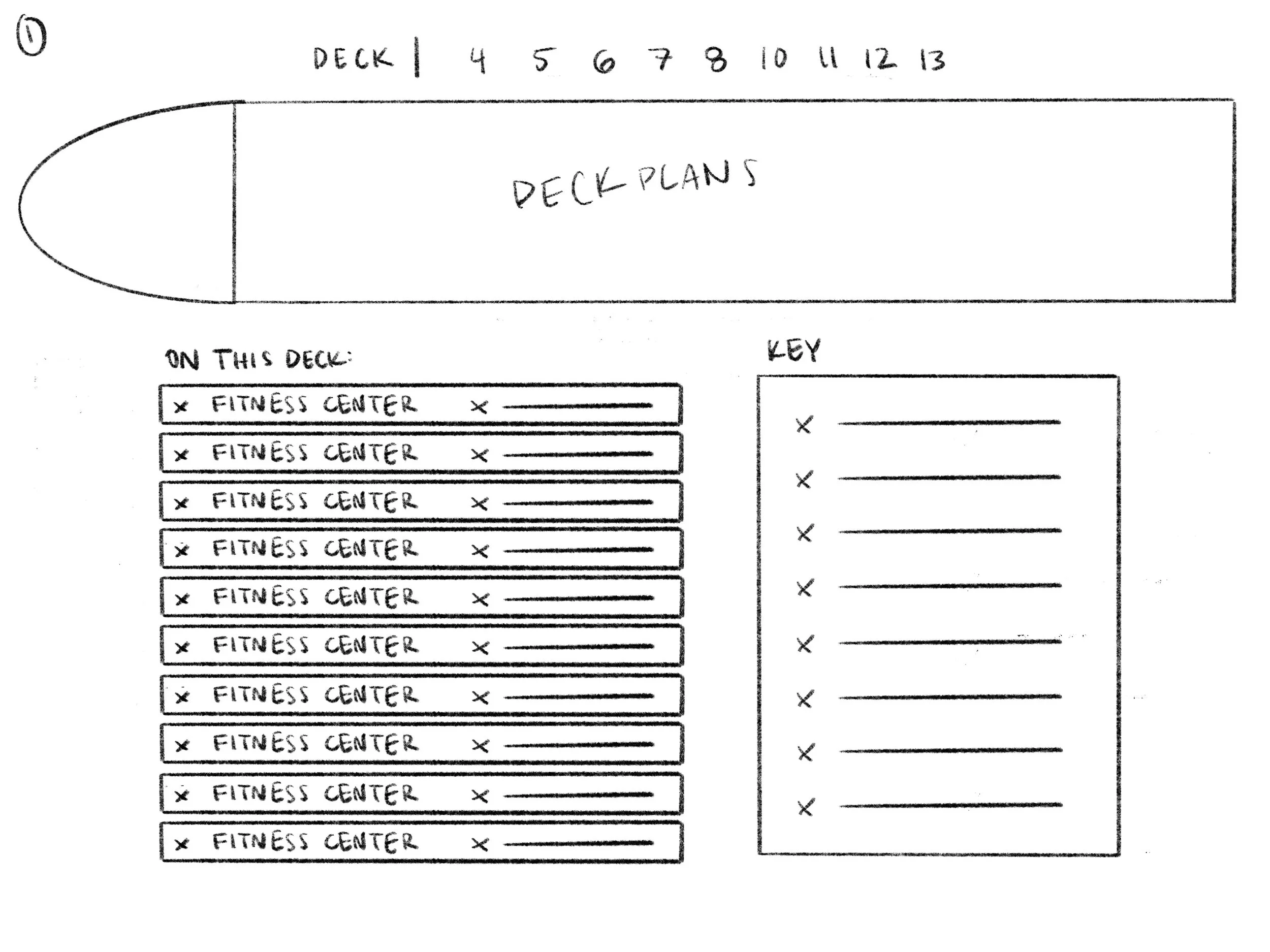
Deck plan selector — round 1
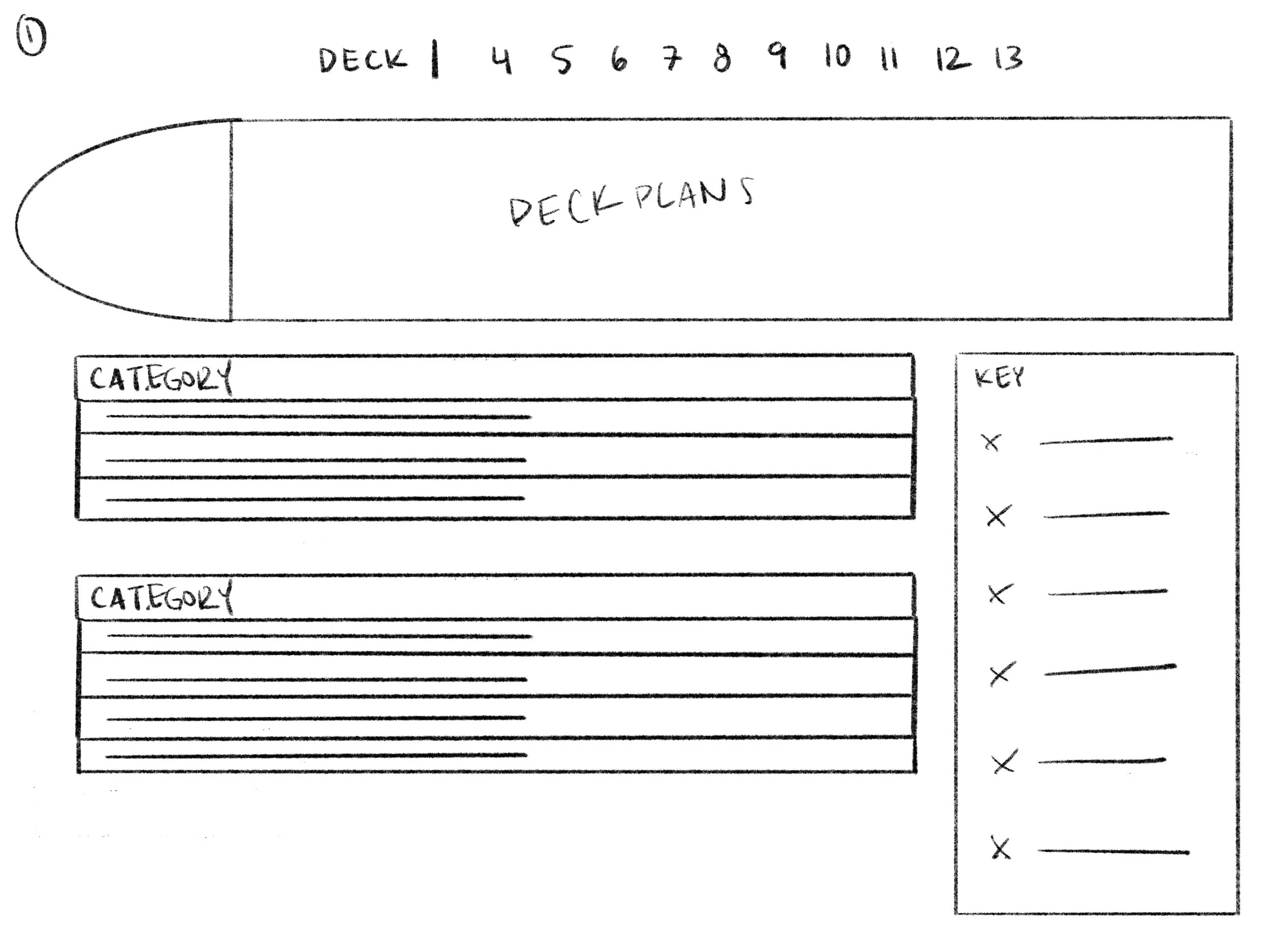
Deck plan selector — round 2
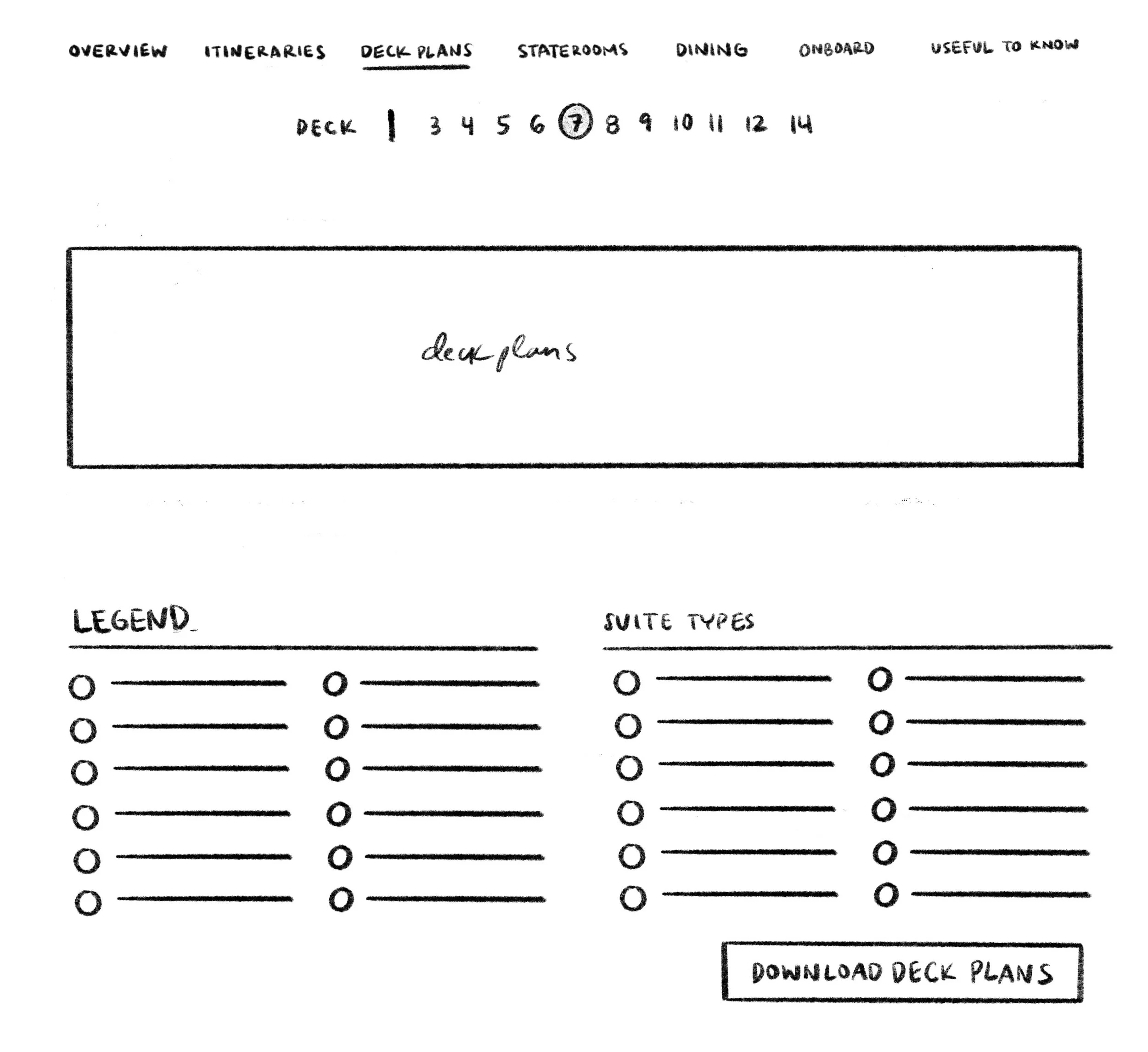
Deck plan selector — round 3
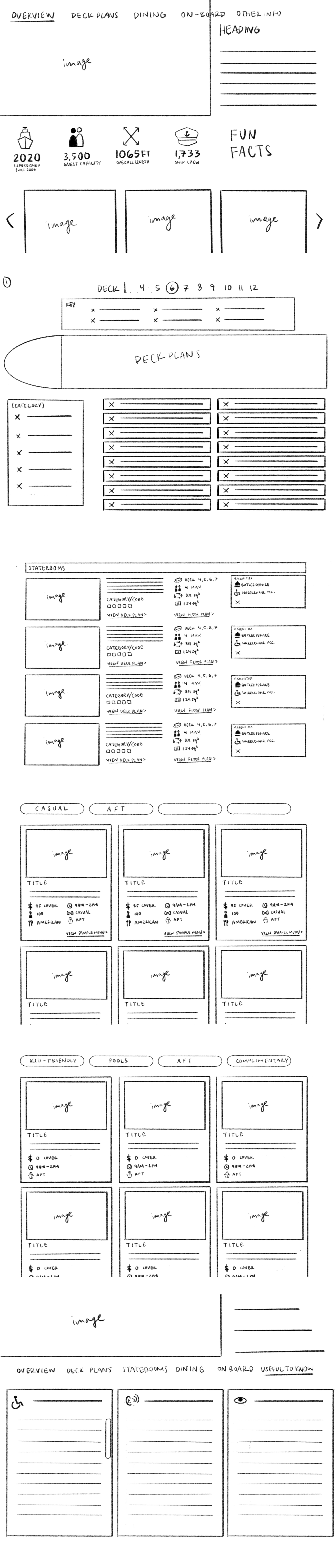
Hero & nav
Staterooms
There was a senior designer on the team, but he was remote and stretched thin with his own workload — there wasn't much opportunity for mentorship or structured feedback on process. I was largely figuring out UX as I went, using other cruise sites as reference points and iterating through conversations with my manager. The Figma work shown here reflects that period — functional and thought-through, but built without a formal design system or dev-ready component structure.
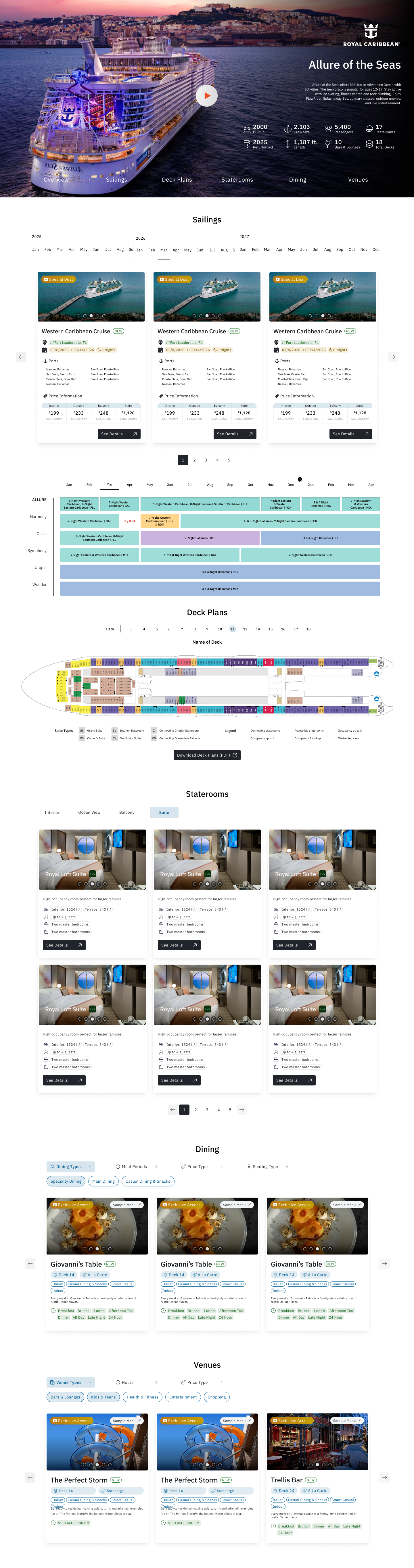
Inherited from the previous senior UX designer. I wasn't convinced it was very intuitive but kept it in place.
The challenge was showing the right information without crowding the card. I experimented with icons and different formats to try and balance density and clarity.
Very simple at this stage
Referenced Royal Caribbean's schedule as a starting point — it was crowded and hard to parse. This version was cleaner, but it raised a bigger question: is this feature even useful to users?
After researching some cruise sites I landed on a horizontal orientation. We later shifted to vertical so users could zoom in.
Still learning the new design system, the pill elements are overused, adding visual noise rather than clarity.
I spent a lot of time on the filter logic and content structure — what data we had, and what made sense to users. That groundwork held. The visual execution leaned too heavily on pill and tag elements though, making it harder to read than it needed to be.
Image export of Figma file
That changed when we brought on a new senior UX designer. She introduced me to tokens, design systems, and what it actually means to prepare a file for handoff. It reframed how I thought about the work — less about making screens and more about building something other people could use and build on. From there I started finding ways to make the design process more efficient, and got more deliberate about spotting usability improvements, both large and small.

The visual language shifted significantly — cleaner, more polished, with stronger serif typography. Because this design would apply across all ships, it needed to be refined but flexible at scale.
Still in use. The question of whether it was the right interaction pattern remained open.
More organized, with a cleaner pricing section. Still leaning on pill components — some icons added clutter, and a few pill elements were more confusing than helpful.
Added a connection to the sailings section: selecting a month above would highlight it in the schedule below. Still asking: how is this genuinely useful to a customer?
A significant shift. Vertical orientation, plus a side-profile ship animation showing which deck the user was viewing. Much more spatially intuitive.
Still too many pills. The visual direction was improving but the execution wasn't there yet.
Slightly better, but the page still felt far from the clean, luxury aesthetic my supervisor was looking for. I knew another pass was coming.
Image export of Figma file
From there, I shifted into working more independently — departing from the thumbnail sketches and initial ideas I'd started with and moving away from Figma as my primary design tool. I began using Claude Code to help me design, exploring more creative and innovative ways of displaying information as the design system continued to evolve. Meanwhile, one of the other developers built out the rest of the site — the booking process, cabin selection, and other key flows — while I focused on pushing the ship information pages further.
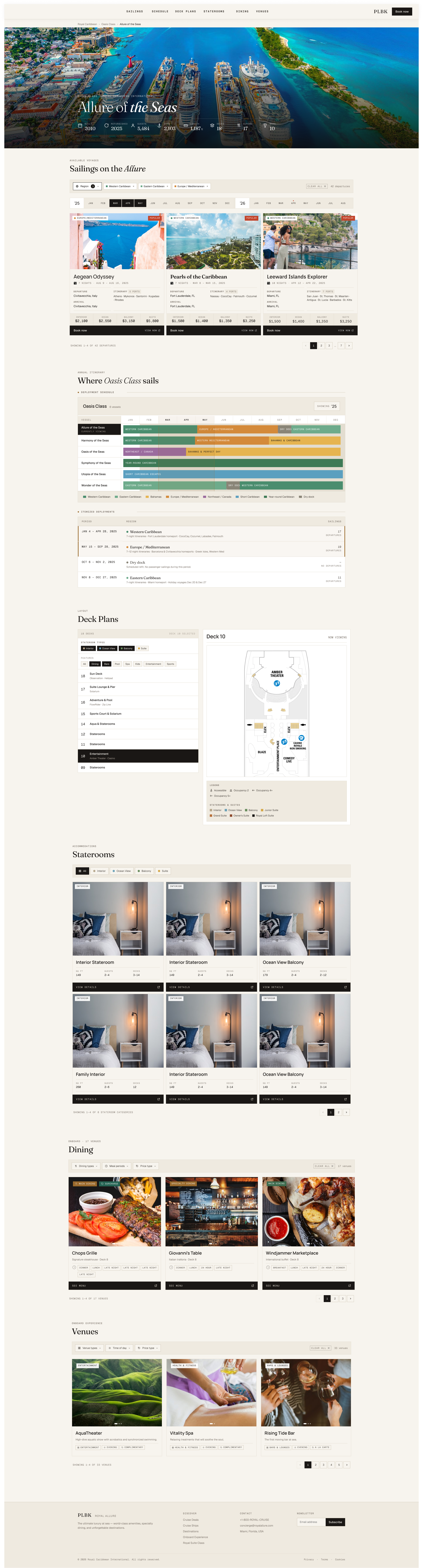
I was hitting a wall. The senior designer was deep in the user account experience and didn't have bandwidth. The page needed both intuitive UX and a refined visual presentation, and earlier sketches we'd been confident in were starting to feel uncertain. My supervisor suggested I try AI. I used Claude to generate layout options and explore directions I hadn't considered. It gave me the fresh perspective I needed.
Fewer pills, more intentional text placement. The cards started to feel like they had a clear hierarchy.
This is where it started becoming genuinely interactive. It's since evolved into a combined map and schedule. Users can view and compare deployment across ships within the same vessel class.
Continued pushing toward the simplest, least confusing way to click through decks and orient on the ship.
Cards became simpler. Detail moved into a popup on click, pulling from cruise line data. Less surface noise, more depth on demand.
Also simplified. The current direction is moving toward a more editorial format — making it clear there's content to scroll to, rather than front-loading everything at once.
Image export of Figma file
The current version continues to evolve beyond what's shown here. I'm happy to show you some of the current version in conversation.
Icon Illustrations
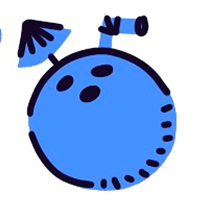
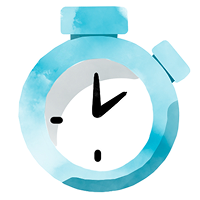
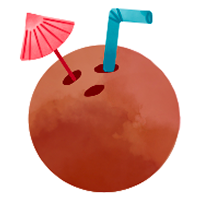
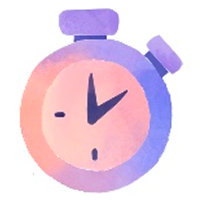
During the early stages of the platform, I developed a custom icon set for the search filters. As the product evolved under new creative direction, the visual language shifted significantly. These icons weren't ultimately used in the final product, but the process of designing a cohesive illustration system informed how I think about visual communication at a system level.

















Tools Used
Figma · Figma Make · Procreate · Claude · Claude Code · Squarespace